During the BlackBerry 10 launch back at the end of January, one of the first comments that BlackBerry CEO Thorsten Heins made was: “It feels good in your hand. We have included a textured back that will not slip off your hand.”
The Q10 has a very good and comfortable feel to it. In comparison to my Z10 it is slightly wider with a rounder edge to it. It does sit very nicely in the palm of your hand. The design of the texture keeps it from visibly showing fingerprints or moisture.
If you are familiar with the earlier models such as the Bold or the Torch, the back cover opens in the same manner. The battery is slightly larger than what is in the Z10 with a Li-ion 2100 mAh battery.
As far as the connections and buttons are concerned, they are exactly the same as the Z10. On the right side you have the volume buttons and the top of the left side gives you the mini USB power connection and the mini HDMI slot. That is where the physical similarities end.
While the keyboard is similar to the previous QWERTY keyboard models BlackBerry has managed to make the feel of the keys even better. They keys are slightly larger and have a rounded curve to the edges. This makes each key stand out just a little more letting you easily type with just one thumb.
I have been a long time user of BlackBerry smartphones. I am very comfortable with the keyboard and found this new version makes it even easier to use. I have always typed with just my left thumb, so the concept that BlackBerry had to make swiping and typing a one handed feature was something that I had already mastered.
The keyboard does seem to add a little extra weight to the smartphone. Even though it is physically smaller than the Z10, it weighs 0.03 oz more coming in at 4.90 oz. One of the major problems of having the physical keyboard is that you are losing screen real estate.
The display is a 3.1 inch super amoled display with a 720 x 720 resolution. The display has very good clarity, solid colors and is easily visible is sunlight however it does lose something in having it be so small. Perhaps BlackBerry should have gone on the larger side and made the display a little larger.
Physically, my only complaint, if you can even call it that is that I have gotten use to the screen on the Z10 and as I get older, I prefer to have more display real estate. As far as functionality goes, it pretty much matches the Z10. One thing that the QWERTY keyboard does offer is the ability to have shortcuts.
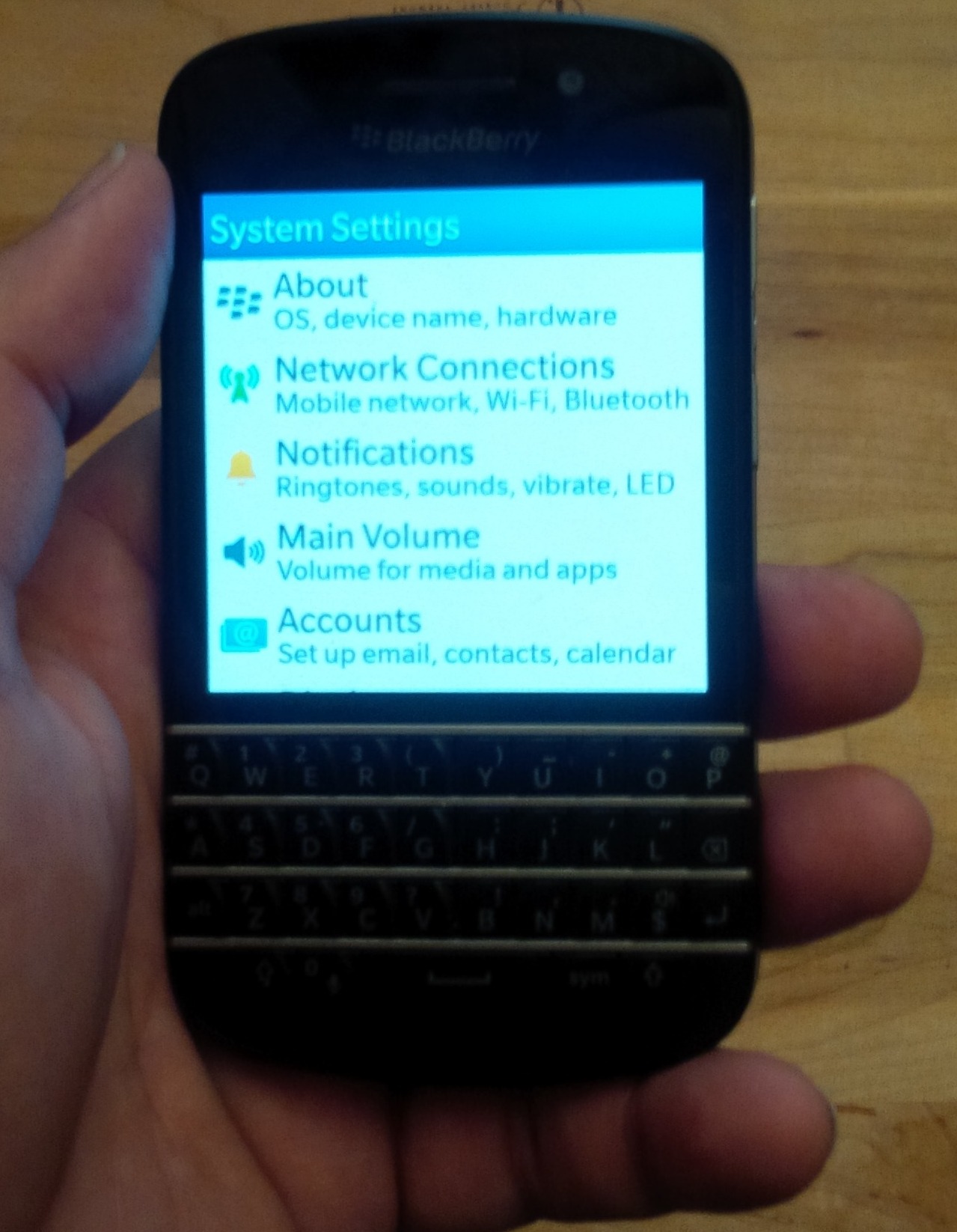
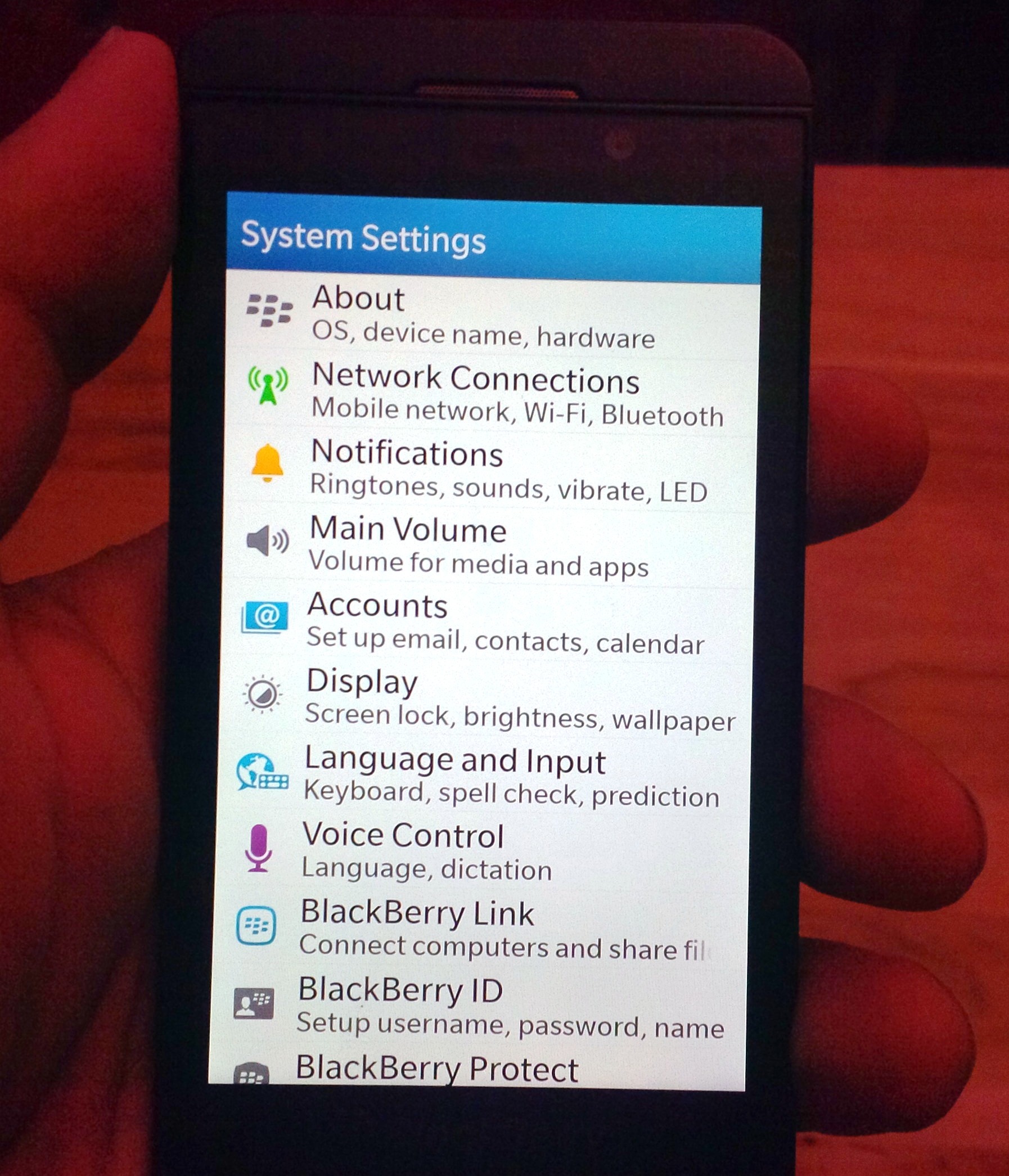
If you are in the phone function and call up contacts you can simply type in a letter and that section will be displayed. On the Z10 I have to try and tap the very small image on the right hand side of the display and hope that I hit the right letter.
Similarly, if you are using the calendar function you can type S to search or T to get to the current day (today). BlackBerry has added quite a few different shortcut keys throughout the operating system. If you are crazy about the keyboard, then this is definitely a feature that you will like.
The operating system functions are very similar to the Z10. All of the communications are filtered through the HUB. You have your E-mail accounts, BBM, text, notifications and calls listed. A simple swipe of your finger and you can check all of your accounts.
One of the things that I had trouble with was a smooth upward slide to open the screen. A friend of mine who got the Q10 a few weeks after it came out (also a long time BlackBerry Bold user) told me a trick he learned. You have to start with your finger on one of the top keys on the keyboard. From there you start the swipe and it works more consistently.
You could turn on the Allow Gestures when Locked feature, but that led to me receiving a lot of phone calls. My friend kept his Q10 in his shirt breast pocket. Somehow and I’m still not sure why I was the one receiving the calls, but I would answer the call only to hear him talking in the background. This happened all day long.
I saw him later that evening and he had no idea that he was calling me. A few days later he told me that his phone was constantly calling people. I suggested that he turn off the gesture feature and that cured the problem.
I had the Q10 for a short time, but in the time I updated the OS two times. In fact, three days after updating the Q10 I was informed that there was an update for my Z10. This happened both times. It appears that the updates come out for the Q10 a few days before the Z10.
Overall the BlackBerry Q10 is a nice smartphone. It feels very good in your hand sporting a high quality display that is crisp and clean. The keyboard has been improved on which I didn’t think was possible. My only complaint is that while I do like the feel and use of the keyboard, I do not want to lose any space on the display. I’ve gotten accustomed to the screen size of the Z10 and do not want to lose it.
Edited by
Ryan Sartor

 QUICK LINKS